
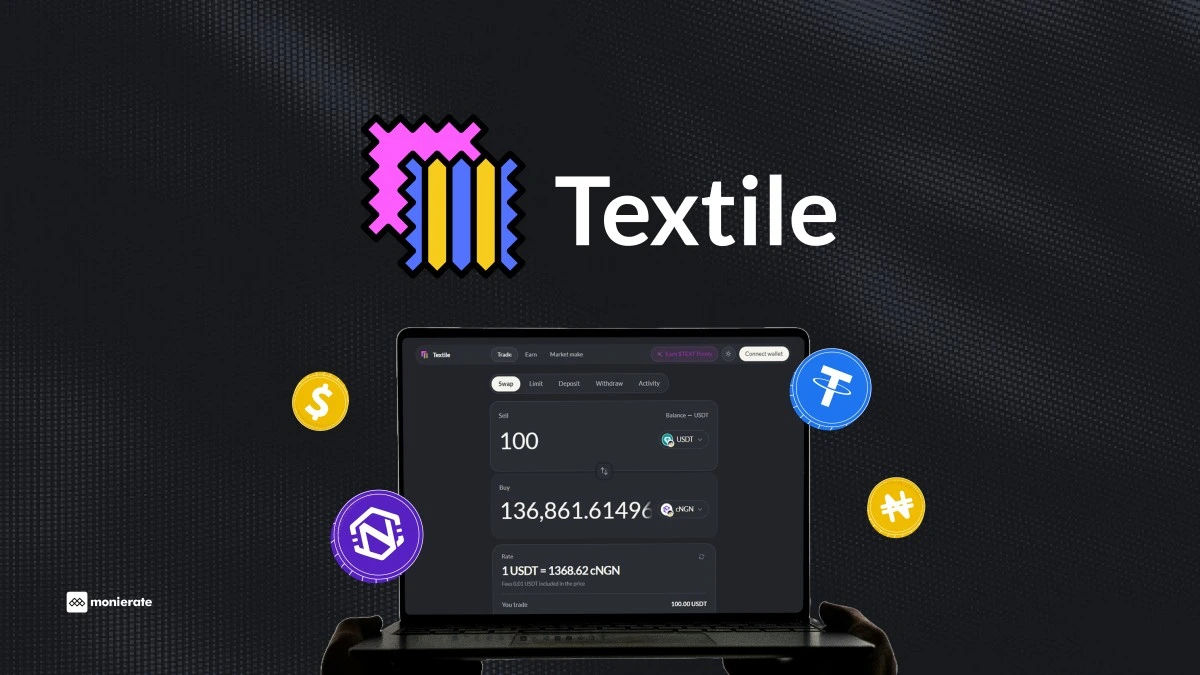
Swapping cNGN for USDT is now faster, cheaper, and safer. With Textile FX, you get a firm quote tailored to your exact amount; no order books to browse and no P2P hassle. Here is a step-by-step guide on how to do it.
Before You Start
You’ll need:
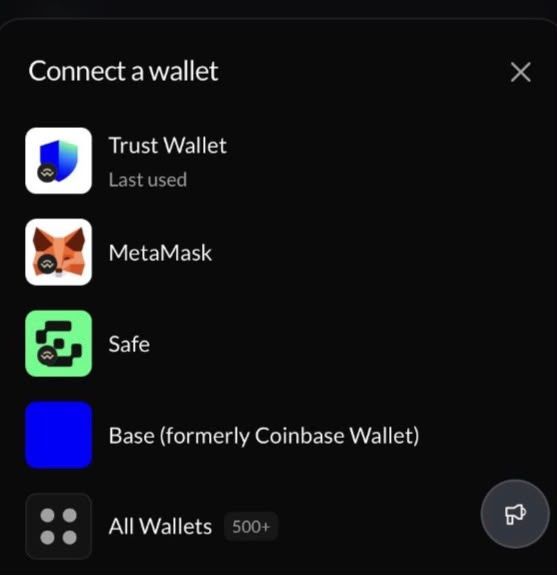
- A wallet holding cNGN, plus a small amount of native gas for the network you’re on (BNB Smart Chain or Celo both support the cNGN corridor). Any standard EVM wallet (Metamask, Trustwallet and more) works.
- And if you don’t have cNGN yet. You can buy it directly inside the Textile FX app using the Deposit tab to go straight from cash Naira to cNGN. Alternatively, you can acquire cNGN on licensed exchanges like Busha or Quidax and transfer it to your wallet.
Step-by-Step Process: Swapping cNGN to USDT
- Open the swap page, at: https://app.textilecredit.com/
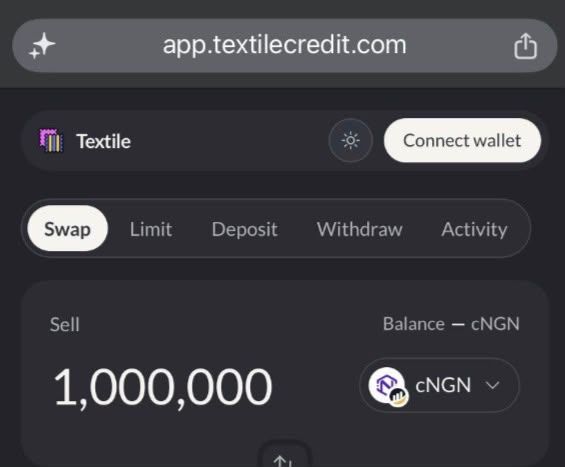
- Connect your wallet, and switch to the network your cNGN is on if the app prompts you to.
- Choose your pair; sell cNGN, receive USDT or vice versa.
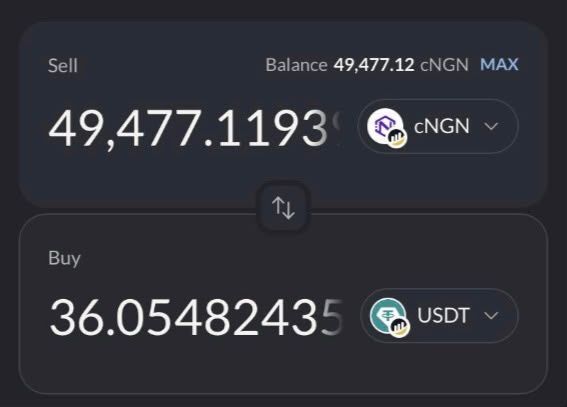
- Enter the amount of cNGN you want to sell. You’ll see an indicative rate right away, based on live maker pricing, and a “Request quote” button.
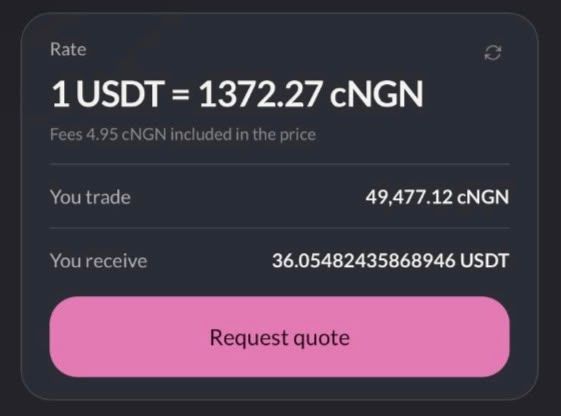
- Tap “Request quote” and sign the message your wallet shows you. This step is free and doesn’t move any funds, it just confirms the wallet is yours, so makers can reserve real liquidity for your exact size. One signature covers roughly a minute of quote requests, so you won’t need to re-sign for every attempt.
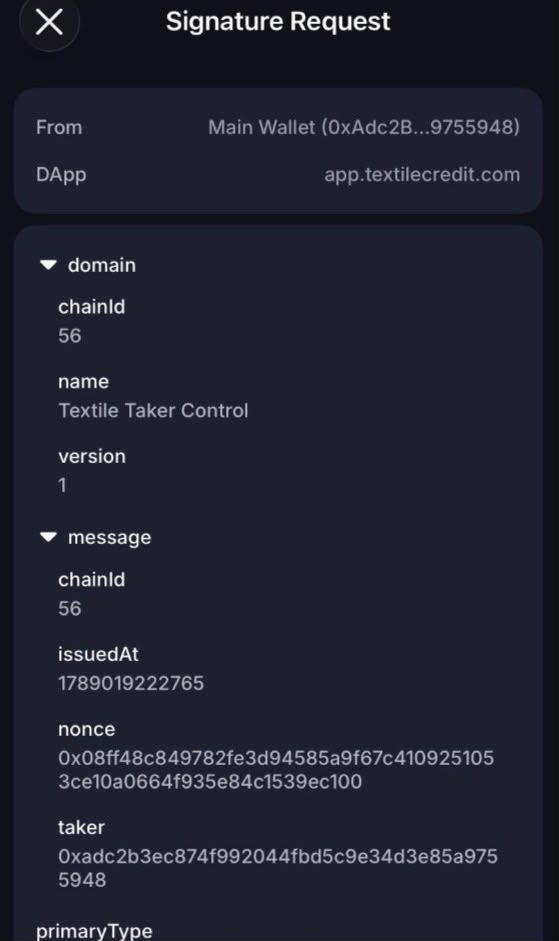
- Wait about a second for your firm quote. Makers price your full amount, and you’ll either get one firm, executable quote with a countdown timer, or a clear “no quote” if nobody can fill the whole size.
- Review the quote, check what you’re debited, what you’ll receive, and the rate. If this is your first time swapping cNGN through Textile FX or vice versa, you’ll also need to approve the token, a one-time transaction that only happens once per token, not on every swap.
- Confirm the swap in your wallet before the quote expires. Your USDT lands in your wallet as soon as the transaction confirms on-chain.
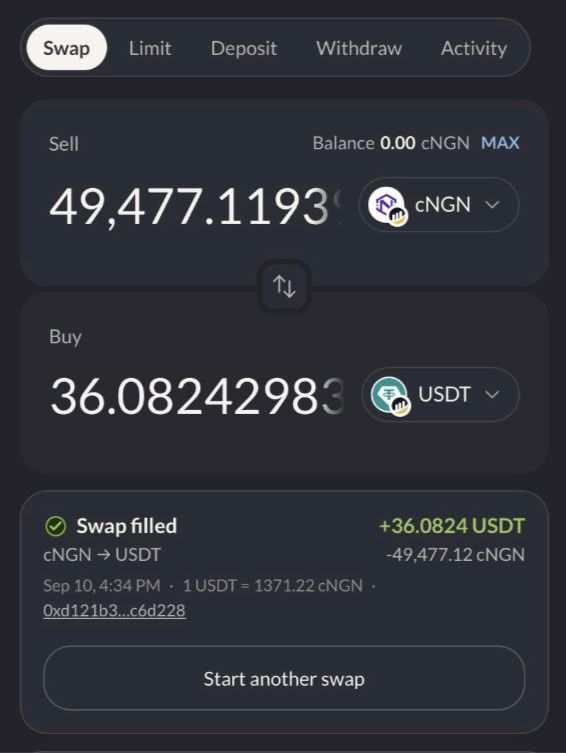
- That’s the whole flow. No separate withdrawal step, no waiting period. If your quote expires before you confirm, nothing happens automatically; you just request a fresh one after every 90 seconds.
That’s the whole flow, no separate withdrawal step and waiting period. If your quote expires before you confirm, nothing happens automatically; you just request a fresh one.
What You’ll Pay
The only charge is a small on-chain taker fee, already included in the rate you’re quoted before you confirm:
| Network | Taker Fee |
|---|---|
| BNB Smart Chain | 0.01% (1 bps) |
| Celo | 0.01% (1 bps) |
There’s nothing added afterwards; the number you see at Step 5 is the number you get.
If Nobody Quotes Your Full Amount
Textile FX doesn’t do partial fills. If makers can’t cover your entire size, you’ll get a “no quote” response instead of a smaller trade at a worse price. If that happens:
- Try a smaller amount, or
- Place a limit order instead; you set your own rate and let it sit until a maker fills it, anywhere from a few minutes up to a year, with no fee charged to you as the order-setter.
Also worth knowing: there’s a minimum swap size, and the app will flag it if your amount falls under it.
After You Swap
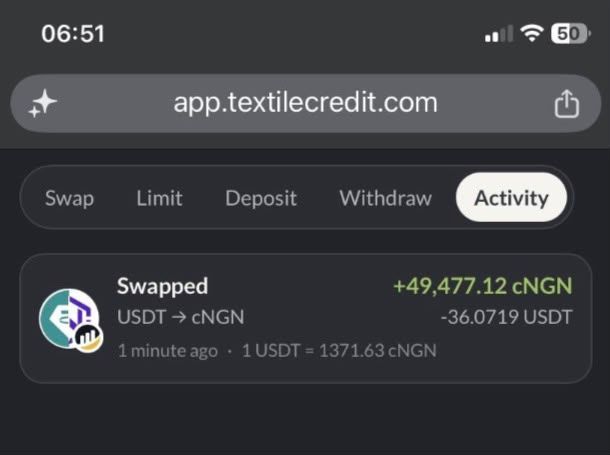
Every swap you make shows up on your dashboard, so you can track your history without digging through a block explorer.
Disclaimer: Interface details, minimum sizes, and fees can change; check Textile FX’s own guide before you trade if it’s been a while since you last used.
